Masterbet88 Maya Withdrawal: Limits, Fees, and How Long It Takes
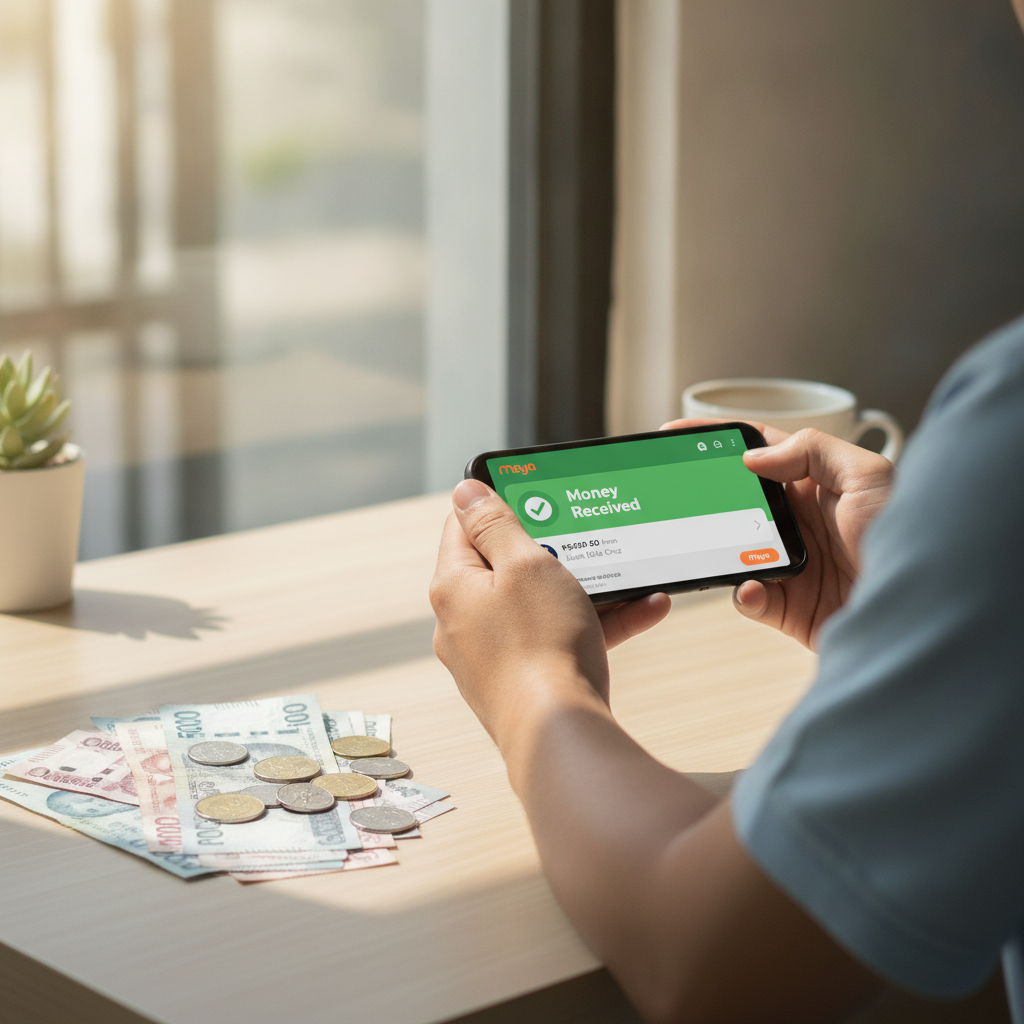
Step-by-Step Maya E-Wallet Cashout Process on Masterbet88
Cashing out to Maya from Masterbet88 follows a simple flow once your account is verified. Before you start, make sure the Maya account name matches the name on your Masterbet88 profile—mismatches can delay or cancel the withdrawal.
- Log in to your Masterbet88 account on mobile or desktop.
- Tap the menu or profile icon and select "Withdraw" or "Cashout."
- Choose Maya as your withdrawal method from the list of e-wallets.
- Enter your Maya mobile number registered to your Maya account (11 digits, starting with 09).
- Type the amount you want to withdraw in Philippine pesos. Stay within the minimum and maximum limits shown on the screen.
- Review the details—amount, Maya number, and any fees—then tap "Confirm" or "Submit."
- Check your registered email or SMS for a withdrawal confirmation from Masterbet88.
Once submitted, the request moves to Masterbet88's payment team for processing. You cannot cancel the withdrawal after confirmation, so double-check the Maya number and amount before you submit.
Maya Withdrawal Limits and Any Fees Charged
Masterbet88 sets both minimum and maximum withdrawal amounts for Maya transactions. Typical limits as of 2025:
- Minimum withdrawal: PHP 100 per transaction
- Maximum withdrawal: PHP 50,000 per transaction
- Daily limit: PHP 100,000 across all withdrawal methods combined
These limits may vary based on your account status or VIP tier. Verified accounts that have completed ID and proof-of-address checks often enjoy higher daily caps.
Fees
Masterbet88 does not charge a platform fee for Maya withdrawals in most cases. However, you may encounter a small deduction if:
- You are withdrawing an amount below a promotional wagering requirement threshold.
- Your account is flagged for frequent small cashouts (anti-abuse measure).
Maya itself does not charge users to receive funds into a Maya wallet. If you see an unexpected deduction, check your Masterbet88 transaction history or contact their support team for a breakdown.
Expected Processing Time and When Funds Appear in Your Maya Wallet
Masterbet88 aims to process Maya withdrawals within 1 to 24 hours from the moment you submit the request. In practice, most cashouts land in your Maya wallet within 2 to 6 hours during business hours (Monday to Friday, 9 AM to 6 PM Philippine time).
What Affects Processing Speed
- Time of day: Requests submitted late at night or on weekends may queue until the next business day.
- Account verification status: First-time withdrawals or unverified accounts take longer because the team manually reviews documents.
- Payment provider maintenance: Rare downtimes on Maya's side can delay incoming transfers.
Once Masterbet88 releases the funds, Maya usually credits your wallet instantly. You will receive a Maya notification and see the balance update in your Maya app. If you do not see the funds after the stated processing window, move to troubleshooting.
Troubleshooting Delayed or Failed Maya Withdrawals
Withdrawal Still Pending After 24 Hours
- Check your Masterbet88 transaction history. Tap "My Account" → "Transaction History" or "Withdraw History." Look for the status: Pending, Processing, Completed, or Failed.
- Verify your Maya mobile number. A typo in the 11-digit number will cause the transfer to fail or bounce back. Compare the number on your withdrawal request with your Maya registration.
- Confirm your account is fully verified. Incomplete ID or address verification will pause withdrawals. Upload a valid government ID (driver's license, passport, or UMID) and a recent utility bill or bank statement showing your name and address.
- Contact Masterbet88 support. Use live chat or email (support contact details are in the site footer). Provide your account username, withdrawal reference number, and the date and time you submitted the request.
Withdrawal Marked as Failed
Common reasons include:
- Name mismatch: The name on your Masterbet88 account does not match your Maya account holder name.
- Insufficient wagering: You attempted to withdraw a deposit or bonus before meeting rollover requirements.
- Duplicate or rapid requests: Submitting multiple withdrawals in quick succession can trigger a fraud alert.
When a withdrawal fails, Masterbet88 returns the amount to your casino balance. You can resubmit after fixing the issue. If the problem persists, screenshot the error message and send it to support for a manual review.
Funds Deducted from Masterbet88 but Not in Maya
- Wait an additional 6 hours. Bank and e-wallet networks sometimes delay batch transfers.
- Check your Maya transaction history in the Maya app under "Activity." Look for incoming credits from "Masterbet88" or a payment gateway name.
- Contact Maya support through the app or their hotline (+63 2 8845 7788) if the funds do not appear after 48 hours. Have your Masterbet88 withdrawal reference number ready.
- File a ticket with Masterbet88 support. They can provide a payment trace ID that Maya can use to locate the transaction.
Maya Account Issues
- Maya wallet suspended or limited: If Maya has flagged your account for any reason, incoming transfers may be blocked. Check for in-app notifications or emails from Maya and resolve any verification requests.
- Incorrect Maya mobile number format: Always use the 11-digit format (09XXXXXXXXX) without spaces, dashes, or country codes.
Why Masterbet88 Players Choose Maya for Withdrawals
Maya offers instant crediting once funds leave the casino, no incoming transfer fees, and integration with thousands of billers and merchants across the Philippines. For mobile-first players in Metro Manila and the provinces, Maya is a fast, flexible way to move winnings into daily spending or savings accounts.
Many Masterbet88 users pair Maya withdrawals with GCash deposits to keep e-wallet balances separate and track gambling funds more easily. Both methods support the same PHP 100 minimum, so you can cash out small wins without waiting to hit a high threshold.
Account Verification Speeds Up Future Cashouts
First-time Maya withdrawals take longer because Masterbet88 manually checks your documents. After your account is verified:
- Upload a clear photo or scan of a government-issued ID (front and back).
- Provide proof of address dated within the last three months (utility bill, bank statement, or Barangay certificate).
- Some players are asked for a selfie holding their ID next to their face.
Verification usually completes within 24 to 48 hours. Once approved, future Maya withdrawals process much faster—often within 2 to 4 hours—because the compliance check is already done.
Keeping Track of Your Cashout Requests
Masterbet88 logs every withdrawal in your account dashboard. To review:
- Log in and tap "My Account" or the profile icon.
- Select "Transaction History" or "Withdraw History."
- Filter by date range or status (Pending, Completed, Failed).
Each entry shows the amount, method (Maya), timestamp, and reference number. Save or screenshot the reference number for any request you plan to follow up on with support.
Alternatives to Maya for Masterbet88 Withdrawals
If you encounter repeated issues with Maya or prefer another method, Masterbet88 also supports:
- GCash: Same 1 to 24-hour processing, PHP 100 minimum, PHP 50,000 per-transaction maximum.
- InstaPay bank transfer: Direct to your bank account, usually within a few hours during banking days.
- PESONet bank transfer: Batch processing, may take 1 to 2 business days.
All methods require that the account name matches your Masterbet88 profile. Switching between e-wallets and bank transfers does not reset withdrawal limits; the daily PHP 100,000 cap applies across all methods combined.
Responsible Gambling Reminder
Masterbet88 is restricted to players aged 21 and over. Withdraw your winnings regularly, set deposit limits in your account settings, and never chase losses with money you cannot afford to lose. If you feel your gambling is becoming a problem, reach out to a support service such as the National Center for Mental Health crisis hotline (0917-899-USAP) or consider self-exclusion options in your account dashboard. Gamble responsibly and within your means.