Masterbet88 GCash Withdrawal: Step-by-Step Guide and Processing Time
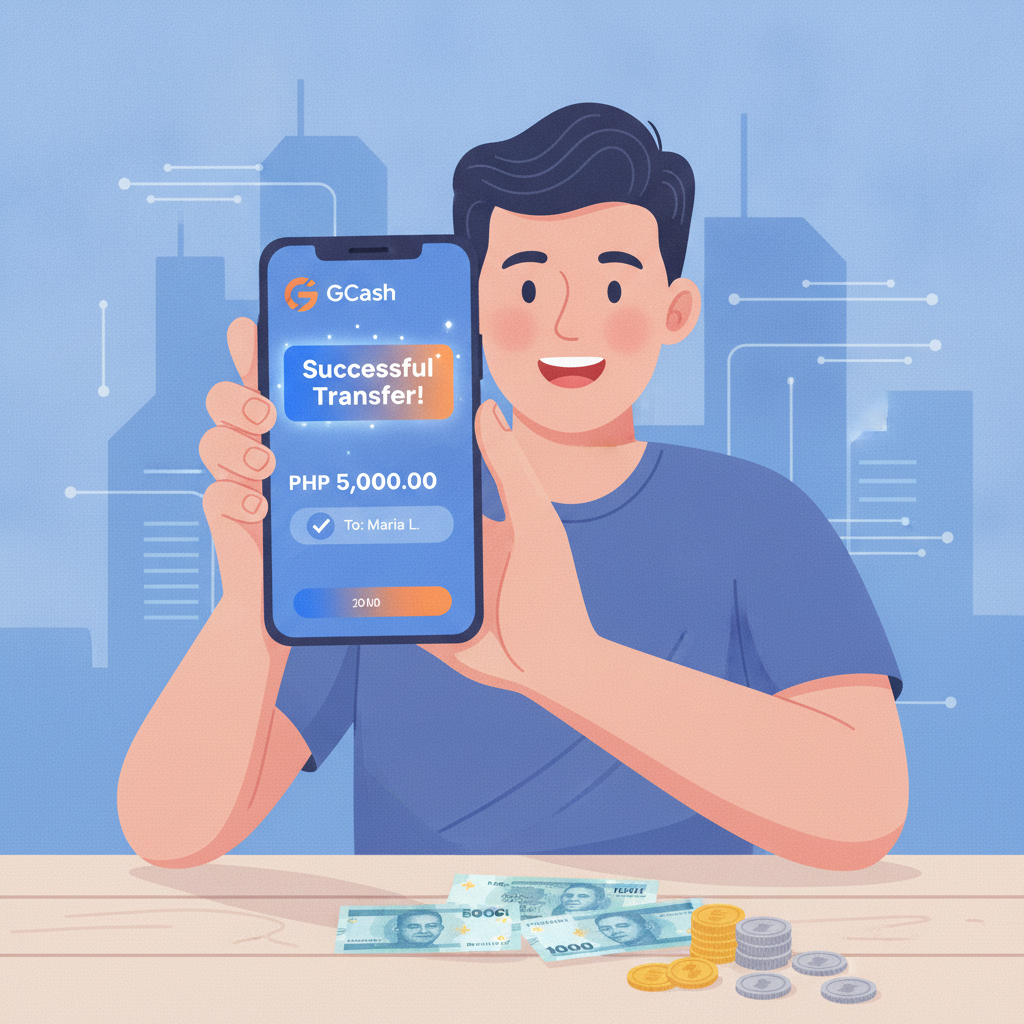
How to Request a GCash Withdrawal from Your Masterbet88 Account
Cashing out your winnings from Masterbet88 to GCash involves a few straightforward steps. Before you begin, make sure your GCash account is fully verified and the mobile number registered to GCash matches the number on file with Masterbet88. Mismatched details are the most common reason withdrawals fail.
Step 1: Log in to your Masterbet88 account
Open the Masterbet88 site on your mobile browser or app. Enter your username and password. If you're using the Android APK, tap the login button on the home screen.
Step 2: Navigate to the cashier or withdrawal section
Look for "Cashier," "Wallet," or "Withdraw" in the main menu. On mobile, this is usually in the side menu (three horizontal lines) or at the bottom navigation bar.
Step 3: Select GCash as your withdrawal method
Masterbet88 typically lists GCash alongside Maya, bank transfer, and other e-wallet options. Tap GCash to proceed.
Step 4: Enter your GCash mobile number
Type the 11-digit mobile number linked to your GCash account (format: 09XXXXXXXXX). Double-check for typos—an incorrect number will send your money to the wrong account or cause the transaction to fail.
Step 5: Specify the withdrawal amount
Enter the amount in Philippine pesos. The platform will show you the minimum and maximum allowed per transaction. Stay within these limits to avoid errors.
Step 6: Confirm the transaction
Review the details: amount, GCash number, and any fees. Masterbet88 may ask for your account password or a one-time PIN sent to your registered mobile number. Enter the verification code and confirm.
Step 7: Wait for confirmation
You should see a confirmation message on-screen and receive an SMS or app notification. Keep this reference number in case you need to contact support.
Daily and Per-Transaction GCash Cashout Limits
Masterbet88 sets withdrawal limits to manage cash flow and comply with e-wallet provider policies. These limits can vary based on your account status, but typical ranges for GCash withdrawals are:
- Minimum withdrawal: PHP 100
- Maximum per transaction: PHP 10,000 to PHP 50,000
- Daily limit: PHP 50,000 to PHP 100,000
Players who have completed full ID verification and reached higher VIP tiers may see increased limits. If you're a regular player with a verified account and a history of deposits, you may request higher limits by contacting customer support.
GCash itself imposes a monthly incoming-funds cap for non-fully-verified accounts (typically PHP 100,000 per month). If your GCash wallet is not fully verified, you may hit this ceiling even if Masterbet88 approves the withdrawal. To lift the cap, complete GCash's identity verification process in the GCash app by uploading a valid government ID.
If you need to withdraw more than the per-transaction limit, you can split the amount into multiple requests across different days. For example, if you want to cash out PHP 80,000 and the per-transaction cap is PHP 50,000, withdraw PHP 50,000 on day one and PHP 30,000 the next day.
Typical Processing Time for GCash Withdrawals
One of the main reasons Filipino players prefer GCash for online casino cashouts is speed. Masterbet88 processes most GCash withdrawals faster than bank transfers or other methods.
Instant to 1 hour:
If your account is fully verified and you're withdrawing during business hours (roughly 8 AM to 8 PM Manila time), many GCash cashouts arrive within minutes. You'll receive a GCash app notification and SMS confirming the deposit into your wallet.
1 to 6 hours:
During peak hours—evenings, weekends, and holidays—processing can slow down. The platform's finance team may batch withdrawals, so even if your request is approved immediately, the actual transfer might take a few hours.
6 to 24 hours:
First-time withdrawals or unusually large amounts may trigger a manual review. Masterbet88's compliance team checks for duplicate accounts, bonus abuse, or mismatched account details. If everything is in order, the withdrawal is released within 24 hours.
Longer than 24 hours:
If your GCash withdrawal is still pending after 24 hours, check your email and account notifications for messages from Masterbet88. The platform may require additional documents (a selfie with your ID, proof of address, or a screenshot of your GCash profile). Respond promptly to avoid further delays.
Bank holidays and system maintenance at GCash or Masterbet88 can also extend processing times. If you withdraw on a Sunday evening, for instance, expect the funds Monday morning or afternoon.
Common GCash Withdrawal Errors and How to Fix Them
Even with careful preparation, you may encounter errors when trying to cash out to GCash. Here are the most frequent issues and their solutions.
"Mobile number does not match our records"
Cause: The GCash number you entered during withdrawal doesn't match the mobile number registered to your Masterbet88 account.
Fix: Log in to Masterbet88 and check your profile or account settings for the registered mobile number. If it's outdated, update it through the profile section or contact customer support. Some platforms require identity verification before allowing a number change. Once updated, wait for confirmation, then retry the withdrawal.
"Withdrawal amount exceeds limit"
Cause: You've entered an amount above the per-transaction or daily cap.
Fix: Reduce the withdrawal amount to stay within the posted limits. If you need to cash out more, split it into smaller requests over multiple days or contact support to request a limit increase.
"Insufficient balance"
Cause: Your Masterbet88 wallet balance is lower than the amount you're trying to withdraw, or active bonus funds are locked until wagering requirements are met.
Fix: Check your main wallet and bonus wallet balances separately. If you have bonus money that hasn't been cleared, you must complete the rollover before those funds become withdrawable. Only cash winnings and cleared bonuses can be cashed out.
"Transaction failed – please try again later"
Cause: Temporary connectivity issues between Masterbet88 and GCash, or system maintenance on either platform.
Fix: Wait 10–15 minutes and try again. Clear your browser cache or restart the app. If the error persists for more than an hour, contact Masterbet88 support via live chat or Viber and provide your account username and the timestamp of the failed attempt.
"Account verification required"
Cause: Your Masterbet88 account has not completed KYC (Know Your Customer) checks, or the platform flagged your withdrawal for a security review.
Fix: Check your email or account inbox for a message listing required documents—typically a photo of a government-issued ID (driver's license, passport, or Philippine national ID) and a selfie holding that ID. Upload clear, legible images through the verification section of your account. Approval usually takes a few hours to one business day. Once verified, your withdrawal will proceed automatically.
GCash wallet not fully verified
Cause: Your GCash account is unverified or partially verified, and the incoming transfer exceeds your monthly limit.
Fix: Open the GCash app, tap your profile picture, and look for "Verify Now" or "Upgrade Account." Follow the prompts to upload a valid ID. Full verification lifts the PHP 100,000 monthly incoming cap and allows larger cashouts from Masterbet88.
Duplicate withdrawal request
Cause: You submitted the same withdrawal request multiple times, or a previous request is still being processed.
Fix: Check your transaction history in the Masterbet88 cashier for pending withdrawals. Cancel any duplicates if the platform allows, or contact support to clarify which request is active. Avoid clicking "Confirm" repeatedly, as this can create multiple pending transactions.
21+ Only; Set Limits and Play Responsibly
Masterbet88 is intended for players aged 21 and over. Online gambling should remain a form of entertainment, not a way to make money or solve financial problems.
Before you deposit or withdraw, set a budget you can afford to lose. Use the deposit limit and self-exclusion tools available in your account settings if you feel your play is becoming problematic. If you or someone you know is struggling with gambling, reach out to the National Center for Mental Health or local support services in the Philippines.
Always withdraw your winnings regularly rather than leaving large balances in your casino account. Cashing out to GCash lets you control your funds and separate gambling money from everyday expenses.
Quick recap:
Masterbet88 GCash withdrawals typically take anywhere from a few minutes to 24 hours, depending on verification status and request volume. Stick to the posted limits, ensure your mobile number matches across both platforms, and complete ID verification early to avoid delays. If you run into errors, double-check your account details and contact support with your reference number for faster resolution.